Discover Xena’s Features
Xena is a group voice chat app where you can explore voice rooms, join online parties, play PK and Ludo, follow voice hosts, and create your own community.
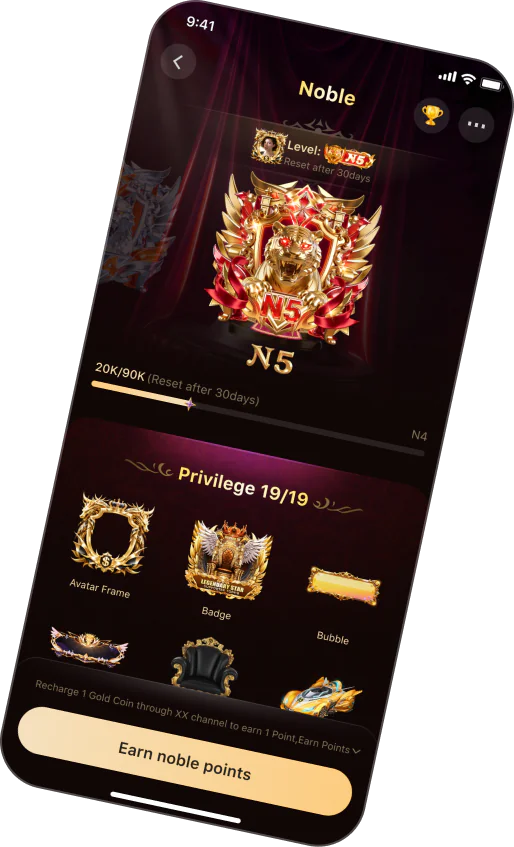



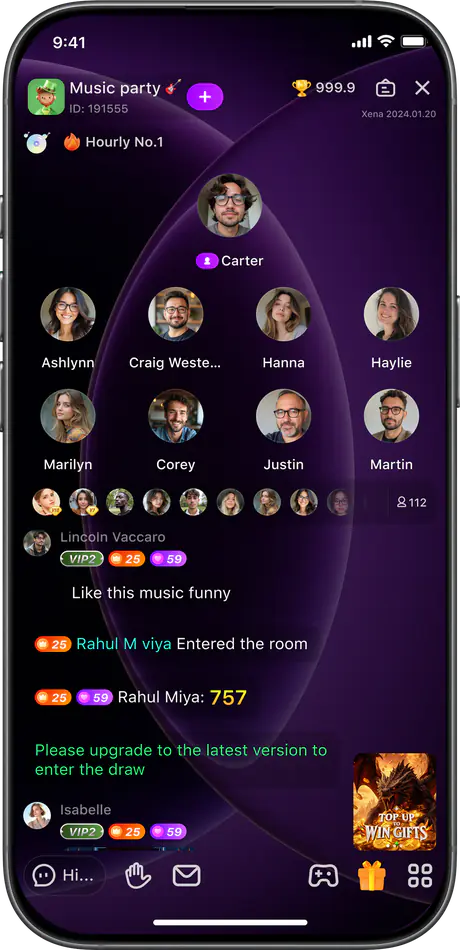
Explore Xena’s Core Voice Chat Features
Every Xena feature is designed to make online voice chat more natural, engaging, and easy to join. Use the feature directory to discover how voice rooms, interactive games, voice hosts, and hosting tools work together across the Xena experience.
Join Real-Time Group Voice Chat Rooms
Xena brings people together through group voice chat rooms built around shared interests, languages, and communities. Browse active rooms, listen in, or take a speaker seat to join the conversation. From music and gaming to culture, sports, and everyday topics, it’s easy to find a room that matches your mood.

Make Voice Chat Rooms More Interactive
Xena turns voice conversations into shared room experiences. Create an online party, join a team-based PK battle, or play Ludo while chatting with others. These interactive features bring gaming, friendly competition, and voice chat together, making every room more engaging while keeping conversation at the center.

Follow Voices and Rooms You Enjoy
Voice hosts bring different personalities, interests, and conversation styles to Xena. Explore hosts across music, gaming, culture, lifestyle, and more, then follow the voices you enjoy. From energetic party rooms to relaxed voice chat, discover hosts and communities that match your interests.


Create and Manage Your Own Voice Chat Room
Create a free voice chat room around your interests, activities, or community. Set a room name, topic, description, and speaker seats, then use hosting tools to manage participation and keep conversations organized. From relaxed discussions to online parties and games, shape each room around the experience you want to create.

Simple Tools for a Better Voice Chat Experience
Every Xena voice chat room includes practical controls that make it easier to listen, speak, explore, and return to conversations you enjoy.
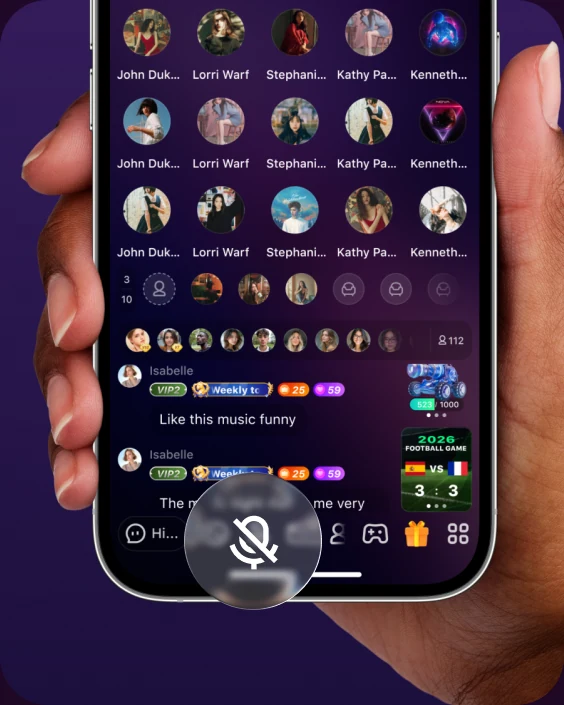
Mic Controls
Move between listening and speaking without interrupting the flow of the room. Clear microphone controls make it easy to participate at your own pace.
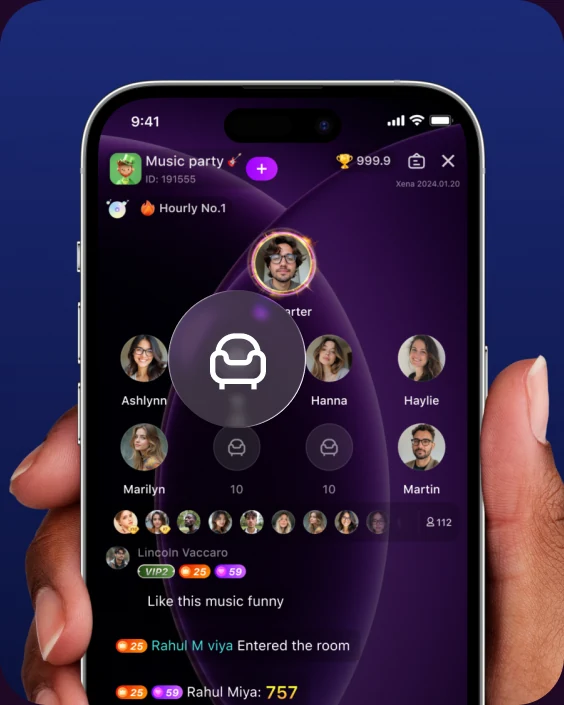
Speaker Seats
See who is currently speaking and select an available seat when you want to join the conversation. Hosts can choose different seat layouts for different room formats.

Room Discovery
Browse active voice chat rooms through topics, languages, communities, and activities. Clear room names and descriptions help you understand each conversation before entering.

Follow & Return
Follow voice hosts and keep track of the conversations you enjoy. Return when a host begins another room or explores similar audio chat experiences.
FAQ About Xena Features
Find quick answers about Xena voice chat rooms, games, voice hosts, and room hosting features.
Xena includes group voice chat rooms, themed online parties, PK team battles, Ludo games, voice hosts, speaker seats, microphone controls, and room hosting tools. These features work together to create an interactive voice-first experience.
Yes. Xena is free to download, and users can join or create voice chat rooms for free. The app is available through the App Store and Google Play.
Yes. You can create a room, choose its topic, write a description, select a speaker seat layout, and guide participation with room hosting controls.
Yes. Xena includes Ludo and PK battles that work alongside voice chat. You can continue talking with other participants while playing or supporting your team.
A voice host leads conversations and room activities around particular interests or themes. You can explore different hosts and follow the voices and room styles you enjoy.
Xena is available on compatible iOS and Android devices. Android users can download the app through Google Play.