Safer Voice Chat, More Control

Join free voice chat rooms and connect across the globe with clear community rules, easy-to-use safety controls, practical privacy choices, and support whenever something feels wrong.
- 18+ Community
- User Safety Controls
- Clear Conduct Rules

Simple Tools for Safer Voice Conversations
Use quick, visible controls whenever a voice chat room, private chat room, message, or account interaction does not feel right.

Flag a Concern
Send an in-app report about an account, room, message, or activity that may break Xena’s Community Guidelines.

Block Unwanted Users
Stop direct contact and prevent blocked accounts from messaging or interacting with you.

Leave Any Room Anytime
Exit a voice chat room immediately. You never have to stay in a conversation that makes you uncomfortable.

Control App Permissions
Choose when Xena can use your microphone, camera, notifications, and location through your device settings.
How Reporting Works on Xena
A clear four-step process helps the Xena moderation team review concerns quickly and consistently. Urgent or serious safety concerns are prioritized by our review team. If anyone is in immediate danger, contact local emergency services.
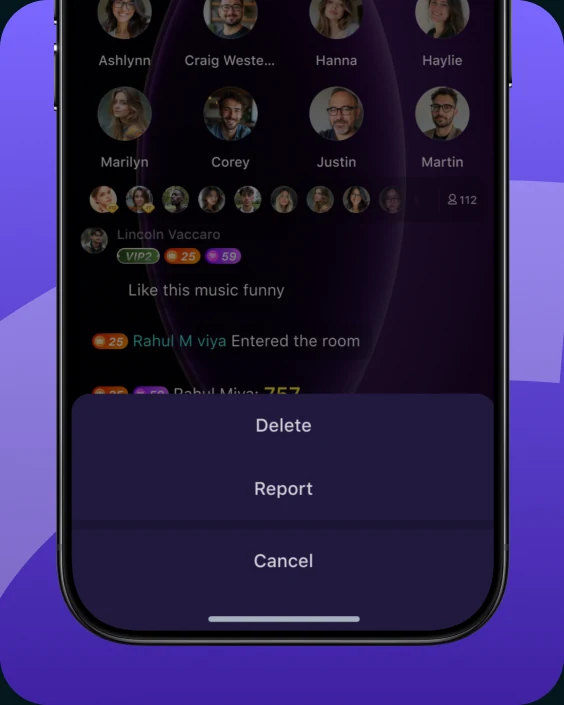
Open the Menu
Open the menu for the account or room you want to report.
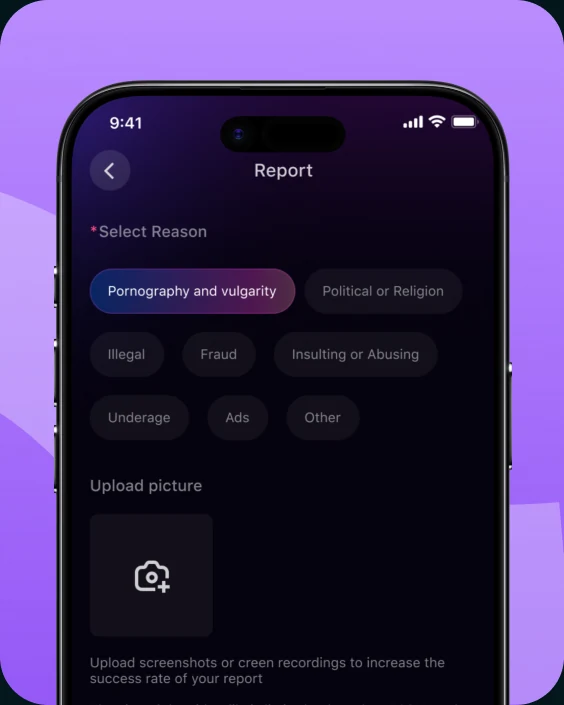
Select Report
Choose “Report” and select the reason that best matches the issue.
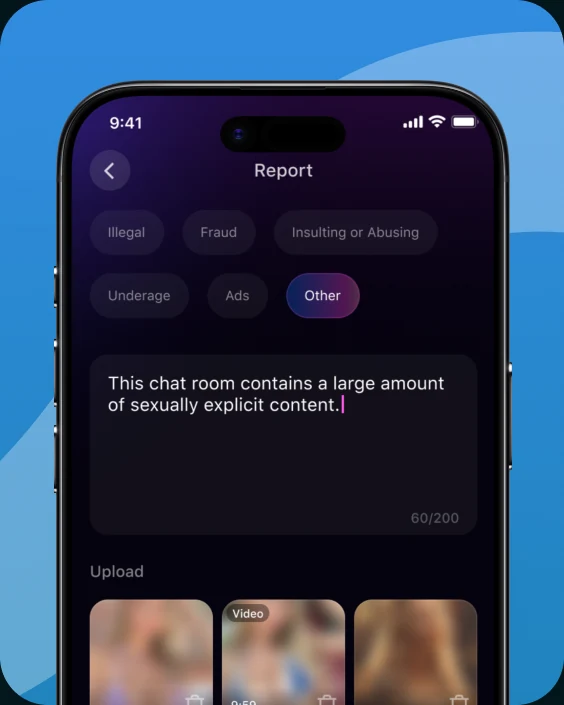
Add Details
Provide helpful context so the team can better understand what happened.
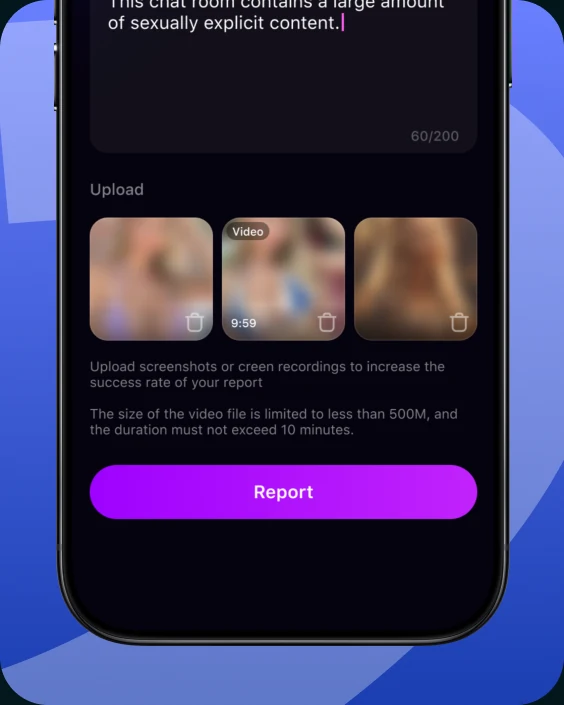
Submit for Review
Submit your report. The team will review it and take appropriate action.
What Is Not Allowed on Xena
These standards apply across voice chat rooms, private messages, profiles, party rooms, games, and community activities.
Harassment, intimidation, or stalking
Discriminatory or degrading conduct
Content that breaks age-appropriate standards
Scams, phishing, or impersonation
Privacy violations or sharing personal data without permission
Encouragement of real-world harm
Spam, malware, or account trading
Underage access or participation
Protect Yourself While Connecting Globally
- Use a unique password and enable all available account security options.
- Keep your exact location, daily routine, identity documents, and other sensitive details private.
- Xena staff will never ask for your password or verification code in a room or private message.
- Do not open unfamiliar links, files, or forms sent by accounts you do not trust.
- Block, leave, and report as soon as an interaction feels unsafe or unusually pressuring.

Privacy and Account Control
Understand your choices before you enter a room or start an online voice chat.

Permission-Based Access
Microphone, camera, notifications, and location access depend on the permissions you choose on your device.

Protected Data Transfer
Xena uses encrypted connections to help protect data while it is being transmitted.

Manage or Delete Your Account
Review your account options in Settings and request account deletion, subject to applicable retention requirements.

Adults Only
Xena is intended for users aged 18 or the age of majority under local law.
Stay Safer Across Every Xena Experience

Voice Chat Rooms
Respect the room topic and other speakers. Lower the volume, leave, block, or flag a concern whenever needed.
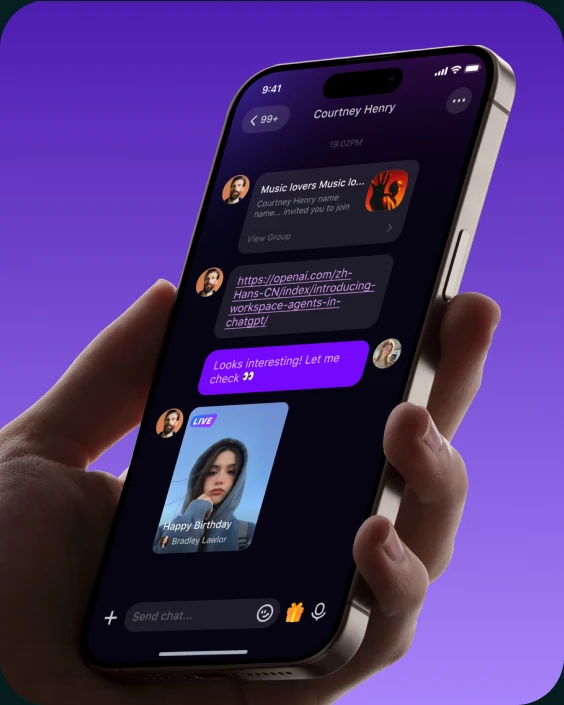
Private Messages
Be careful with unfamiliar links, requests for personal details, and pressure to move to unverified channels.
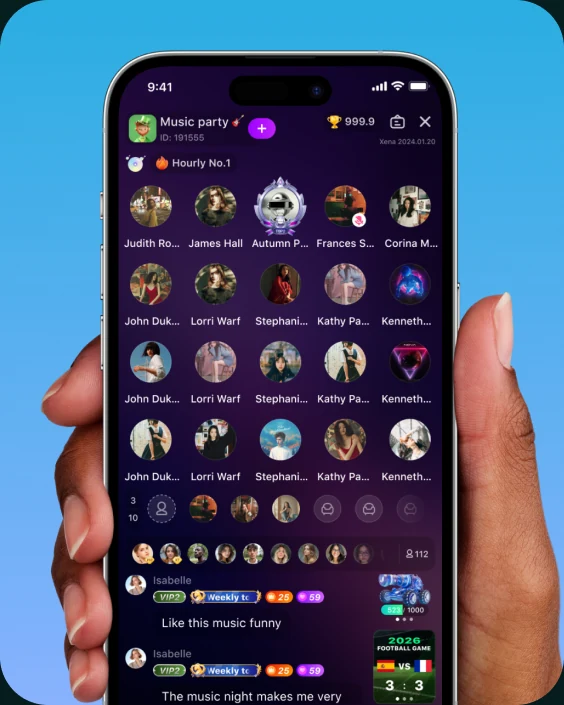
Party & Group Chat Rooms
Follow room guidelines, respect speaking turns, and use safety controls if a session becomes uncomfortable.

Ludo & PK Battles
Keep competition friendly, protect your account information, and flag rule-breaking conduct through the in-app tools.
Voice Chat Safety Questions
Quick answers about voice and audio chat safety, privacy, reporting, and account controls on Xena.
Xena combines Community Guidelines, reporting and blocking controls, privacy choices, and moderation to support safer conversations. No online voice chat platform can prevent every issue, so keep your safety controls close and report concerns promptly.
Open the account or room menu, choose “Report,” select the closest reason, and add useful context. The moderation team will review the information and take appropriate action under Xena’s rules.
Yes. Open the account menu and select “Block” to stop unwanted direct contact. You can also leave any voice chat room immediately.
Do not share your password or verification code. Xena staff will not ask for these details in a room or private message. Use in-app support to verify suspicious contact.
No. Xena is intended for adults aged 18 or the age of majority in their location. Accounts that do not meet the age requirement may be restricted or removed.
Xena uses device permissions to support app functions such as voice conversations, notifications, and optional media features. You can review or change permissions at any time in your device settings.
Need Help With a Safety Concern?
Use in-app support to share details about suspicious activity or an account concern. For account or policy questions, contact contact@xparty.me. If anyone faces immediate danger, contact local emergency services.